📄 tailwindcss/docs/forced-color-adjust
File: forced-color-adjust.md | Updated: 11/15/2025
Source: https://tailwindcss.com/docs/forced-color-adjust
⌘KCtrl KDocs Blog Showcase Sponsor Plus
- Accessibility
- forced-color-adjust
Accessibility
forced-color-adjust
Utilities for opting in and out of forced colors.
| Class | Styles |
| --- | --- |
| forced-color-adjust-auto | forced-color-adjust: auto; |
| forced-color-adjust-none | forced-color-adjust: none; |
Opting out of forced colors
Use the forced-color-adjust-none utility to opt an element out of the colors enforced by forced colors mode. This is useful in situations where enforcing a limited color palette will degrade usability.
Try emulating `forced-colors: active` in your developer tools to see the changes
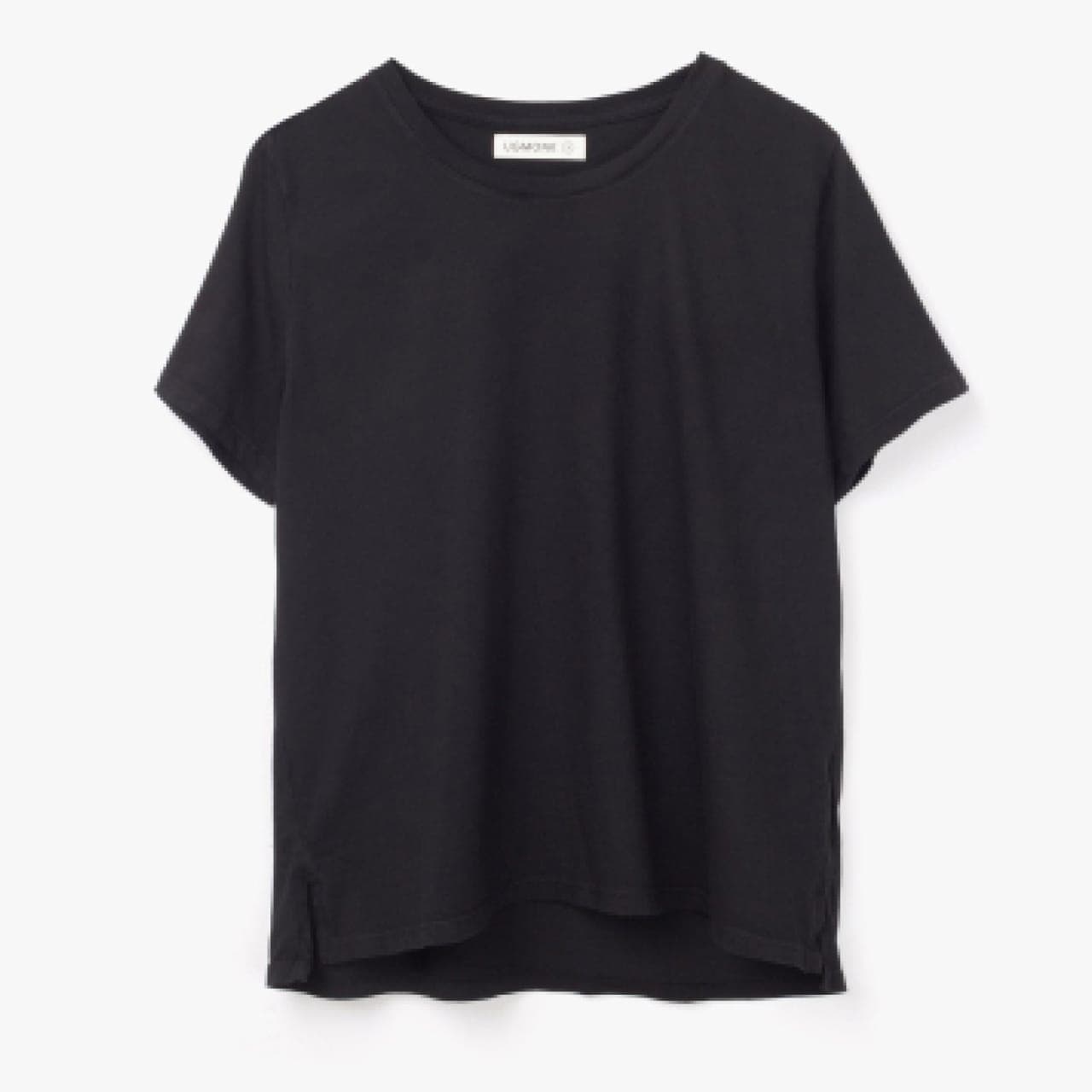
Basic Tee
$35
Choose a color
WhiteGrayBlack
<form> <img src="/img/shirt.jpg" /> <div> <h3>Basic Tee</h3> <h3>$35</h3> <fieldset> <legend class="sr-only">Choose a color</legend> <div class="forced-color-adjust-none ..."> <label> <input class="sr-only" type="radio" name="color-choice" value="White" /> <span class="sr-only">White</span> <span class="size-6 rounded-full border border-black/10 bg-white"></span> </label> <!-- ... --> </div> </fieldset> </div></form>
You can also use the forced colors variant to conditionally add styles when the user has enabled a forced color mode.
Restoring forced colors
Use the forced-color-adjust-auto utility to make an element adhere to colors enforced by forced colors mode:
<form> <fieldset class="forced-color-adjust-none lg:forced-color-adjust-auto ..."> <legend>Choose a color:</legend> <select class="hidden lg:block"> <option value="White">White</option> <option value="Gray">Gray</option> <option value="Black">Black</option> </select> <div class="lg:hidden"> <label> <input class="sr-only" type="radio" name="color-choice" value="White" /> <!-- ... --> </label> <!-- ... --> </div> </fieldset></form>
This can be useful if you want to undo the forced-color-adjust-none utility, for example on a larger screen size.
Responsive design
Prefix a forced-color-adjust utility with a breakpoint variant like md: to only apply the utility at medium screen sizes and above:
<div class="forced-color-adjust-none md:forced-color-adjust-auto ..."> <!-- ... --></div>
Learn more about using variants in the variants documentation .
On this page
Copyright © 2025 Tailwind Labs Inc.·Trademark Policy